Cloud Phone
System
A business phone system that runs in the cloud. Call flows, IVR, queues and SIP trunking on one cloud PBX. No hardware. No complexity. Just calls that work.
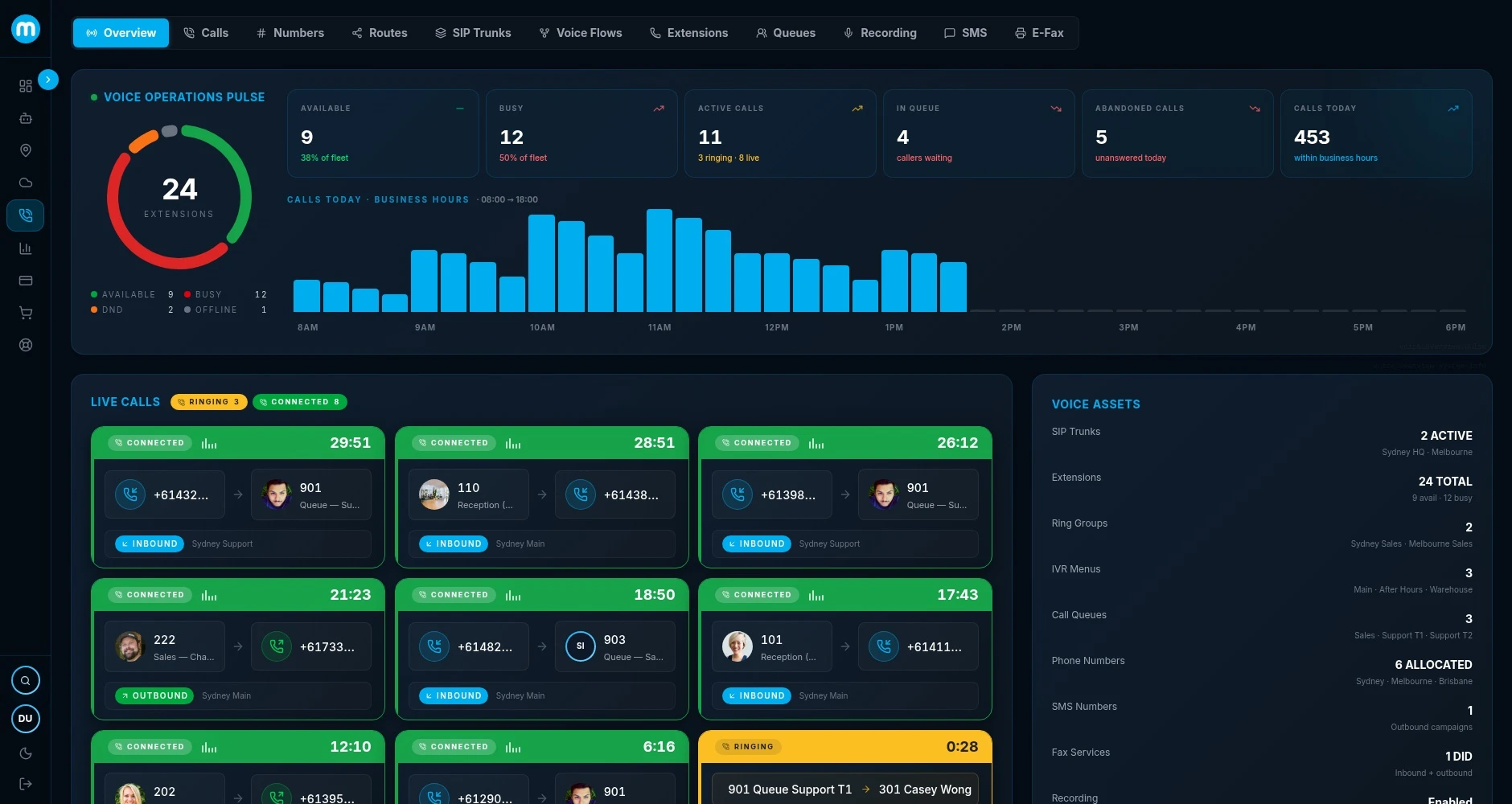
Your phone system, on every device.
One business number on the desk phone at reception, the softphone on your laptop and the mobile in your pocket. Plug in a headset in the office or at home, and calls reach your team wherever they are working.
Phones, softphones and Teams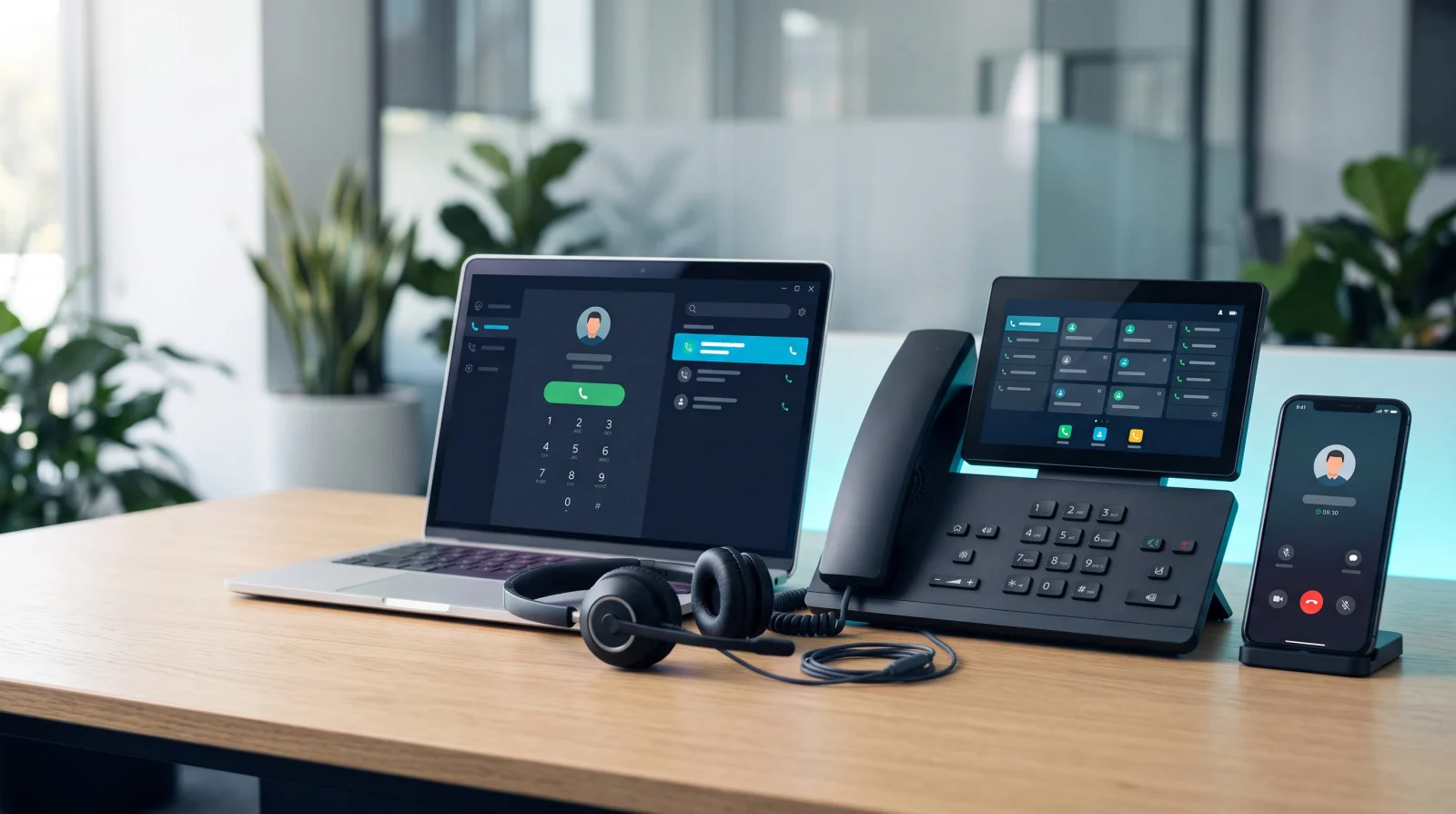
Everything your phone system needs.
Seven modules. One platform. Built so every part of your telephony stack talks to every other part.
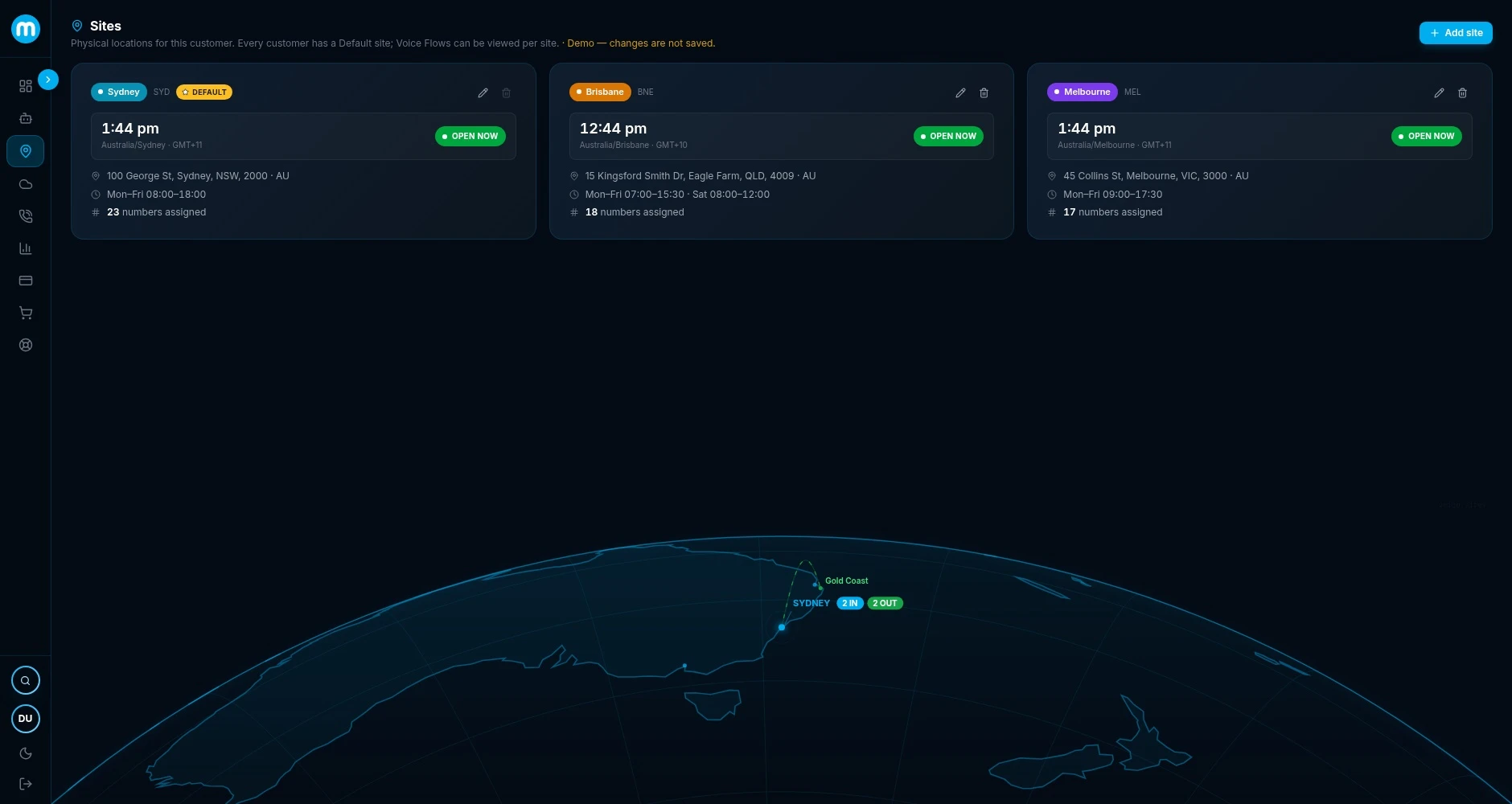
Your phone system, in one view.
Full cloud PBX dashboard giving you complete visibility across users, queues, trunks, and call flows. Real-time system health, active calls, and alerts all in one place.
What actually changes when the phone system moves to the cloud.
A cloud PBX does the same job as the box in your comms cupboard: it routes calls, runs the auto-attendant and holds your extensions. The difference is where it runs, who maintains it, and what happens when something goes wrong.
When on-premise still makes sense: if you own a system that is working well and is nowhere near end of life, there is no rush. The natural time to move is when the maintenance contract is up for renewal, the hardware is ageing, you are adding a site, or more of your team works away from the office.
Read the full guide: cloud PBX vs on-premiseAnswer the business number however your team works.
Metcom Cloud PBX works with desk phones, softphones and any SIP-compatible device, and it integrates with Microsoft Teams. Teams handles individual calling well. Reception, queues, wallboards and call centre reporting are where a proper phone system behind it earns its keep, so many businesses run both.
Desk phones
IP desk phones for reception and staff who want a handset. Existing SIP phones can often stay.
Softphone
Calls on a computer with a headset, in the office or at home, on the same business number.
Mobile failover
Calls can follow staff to their mobile, per extension, so the business number still reaches them.
Microsoft Teams
Make and take business calls inside Teams, with the PBX handling numbers, routing and queues behind it.
Keep your numbers. Skip the downtime.
Your existing Australian numbers port across to Metcom Cloud PBX, and the new system is ready before they move, so callers never notice the change.
Scope
We map your numbers, sites, handsets and how calls should flow, and check what your current contracts allow.
Build and test
Users, call flows, IVR and queues are built and tested while your current system keeps running.
Port your numbers
You sign a porting authority. Your current carrier validates the numbers and confirms the port category.
Cut over
Calls move to the new system on the agreed date, with everything already set up and tested.
Porting timeframes depend on your current provider and the port category, so we confirm the expected timing for your numbers before you commit. Your numbers also stay yours to move: if you ever leave, you can port them to another provider at any time.
A monthly cost, not a capital purchase.
There is no phone system hardware to buy, so you pay for the system as a service. The price is built from a handful of things, and we quote it against your actual setup rather than a generic plan.
Get a quoteWhat sets the price
Full charges for each service are set out in its Critical Information Summary.
Less to manage.
More that just works.
The real difference between a cloud PBX and what most businesses are still running today.
No PBX box in the server room. No engineer callouts for firmware. No hardware refresh cycles. The system lives in the cloud. We look after it.
New users, new sites and number porting are all handled from the dashboard. No hardware to order and no waiting on a vendor to make a change.
Local team. Local numbers. Local PSTN connectivity. When something needs attention, you're talking to someone who actually knows your setup.
Running a call centre? See Metcom Contact Centre →·Telco or MSP? See our Partner Program →
FAQ
Frequently asked questions
Ready to move to the cloud?
Talk to us about migrating off your old PBX and what that looks like in practice.